FREE
฿0
Everything needed to begin
- Unlimited single-photo protection
- Every privacy detector and manual redaction tool
- Metadata removal, save, and share
Photo privacy before sharing
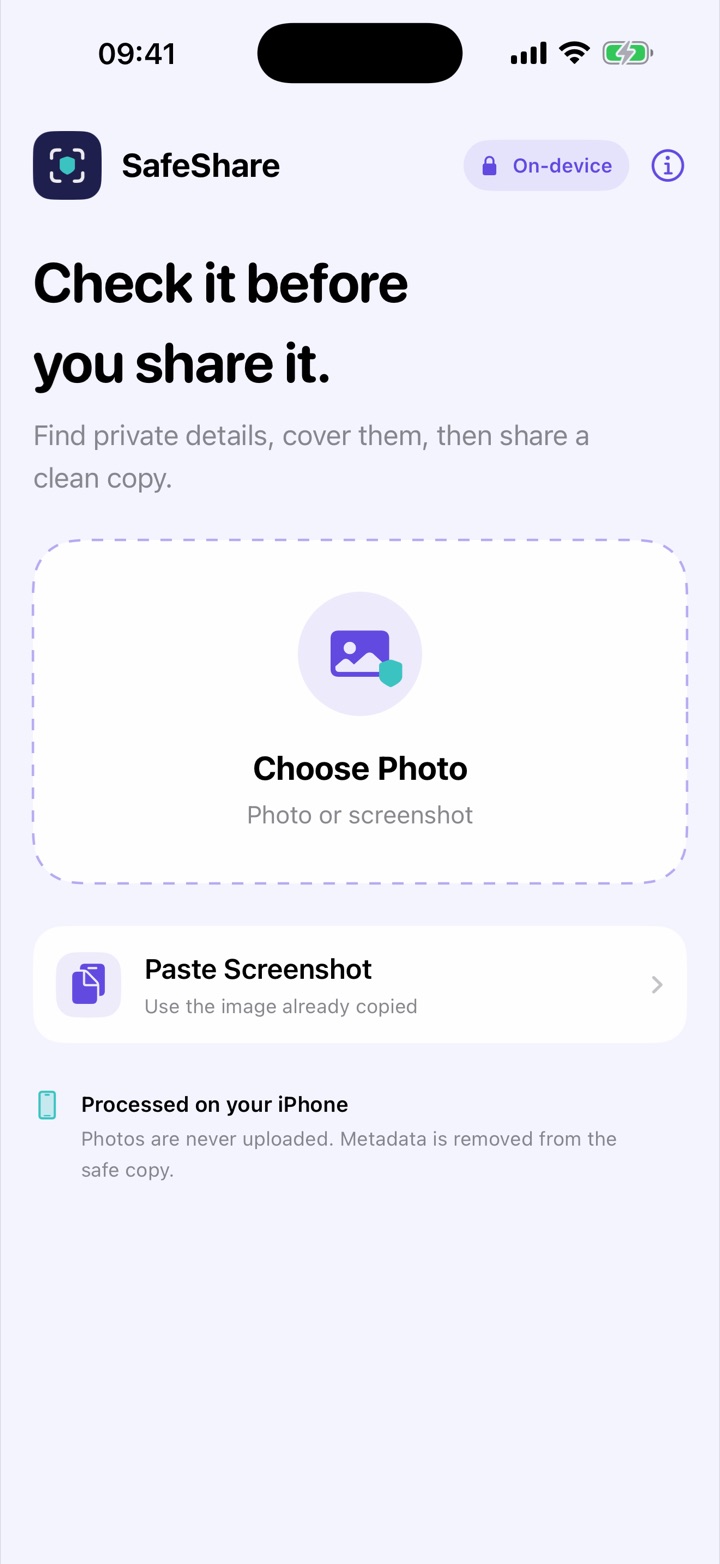
SafeShare checks a photo or screenshot before it leaves your iPhone. Review suggested private areas, add anything the scan missed, then create a clean copy for Messages, email, or any other app.
WHY IT EXISTS
Names, phone numbers, addresses, account-like numbers, faces, QR codes, and location metadata are easy to overlook. SafeShare puts a short review step between choosing an image and sending it.
One clear workflow
Open a photo or screenshot in SafeShare, or send several images from the iOS share sheet.
Check on-device suggestions and tap the image to add a manual cover when needed.
Render a new copy with solid covers or blur, stripped of unnecessary photo metadata, then share it.
USE IT FOR
BUILT IN
Simple ownership
Use the core app before deciding. Pro is a lifetime unlock—not a subscription.
FREE
฿0
PRO · LIFETIME
฿99
Thailand launch price
The App Store displays the equivalent localized price in other countries. Pro keeps the same local-only privacy model, and Restore Purchases is available in the app.
HONEST BY DESIGN
Automatic recognition can miss information or suggest an area that is harmless. SafeShare always shows the result before sharing because the final judgment belongs to you.
Straight answers
No. The current app analyzes and renders images on your iPhone.
The exported safe copy is rendered without the original GPS and unnecessary EXIF metadata.
Yes. Tap the image to add a custom redaction before creating the safe copy.
No. Pro is an optional one-time purchase. The App Store shows the localized price for your storefront before you confirm.
Yes. Use Restore Purchases with the same Apple Account that bought Pro. Each Sovereign app has its own purchase, and Family Sharing is not enabled for version 1.0.
No. Pro removes limits and adds workflow tools, but processing and storage remain on your device and no Sovereign Apps account is created.
Small app.
Clear job.